
Browse social pages
Open a public creator profile or post on TikTok, Instagram, or YouTube.
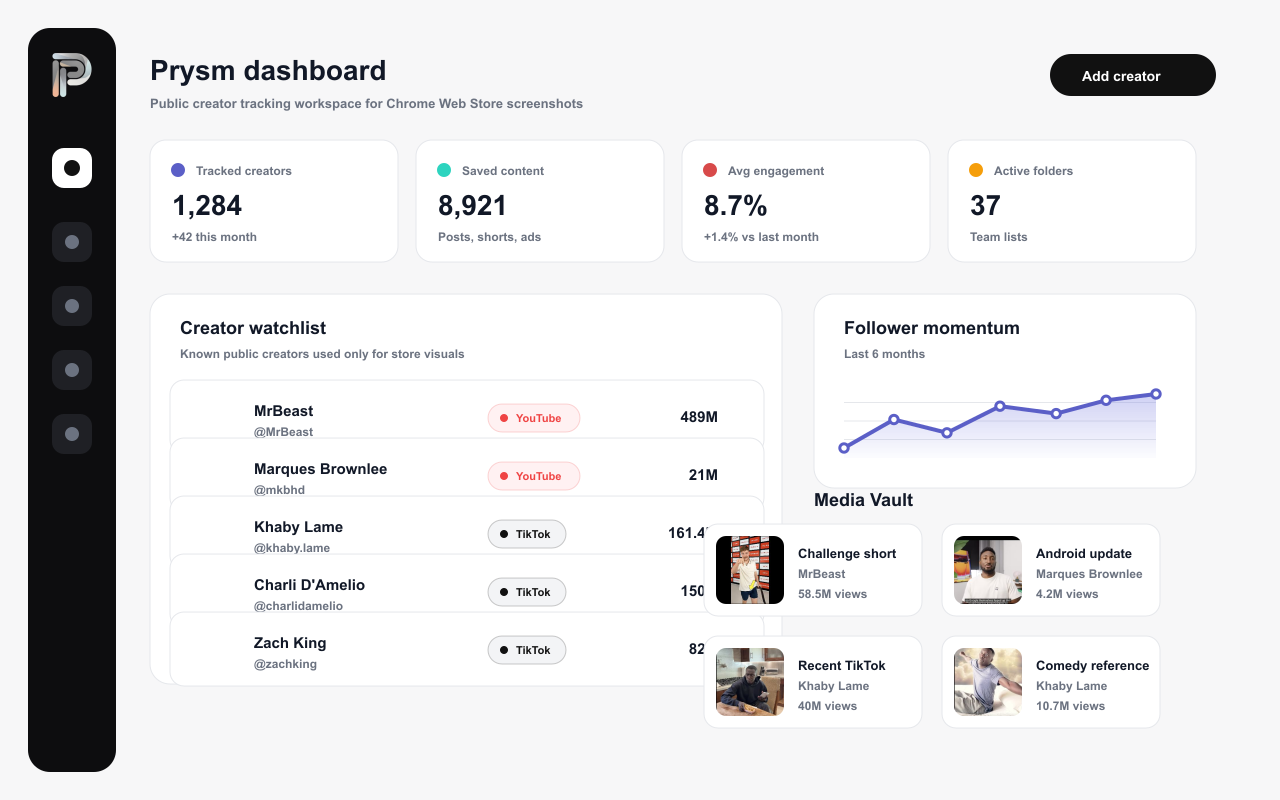
Capture creator profiles, posts, Reels, Shorts, and videos from social platforms, then send everything into Prysm folders and the Media Vault.
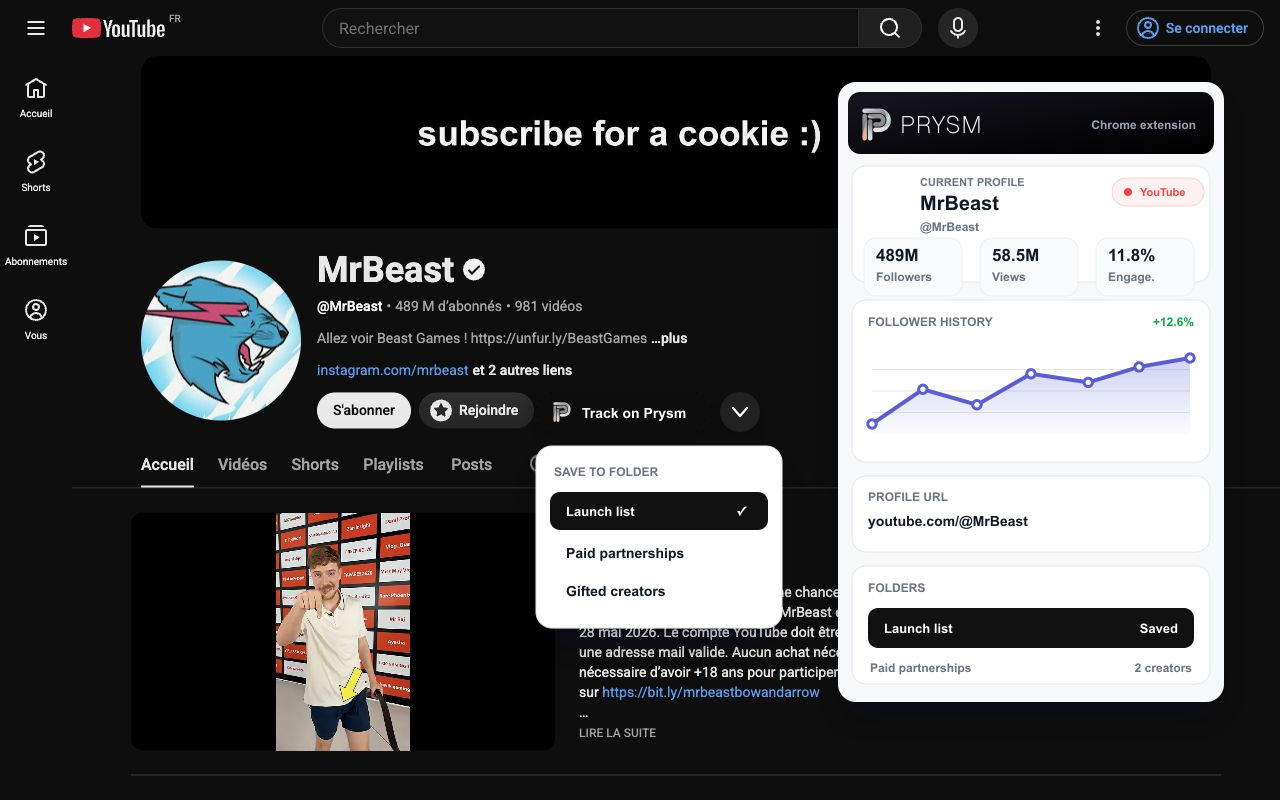
Open a public creator profile or post on TikTok, Instagram, or YouTube.
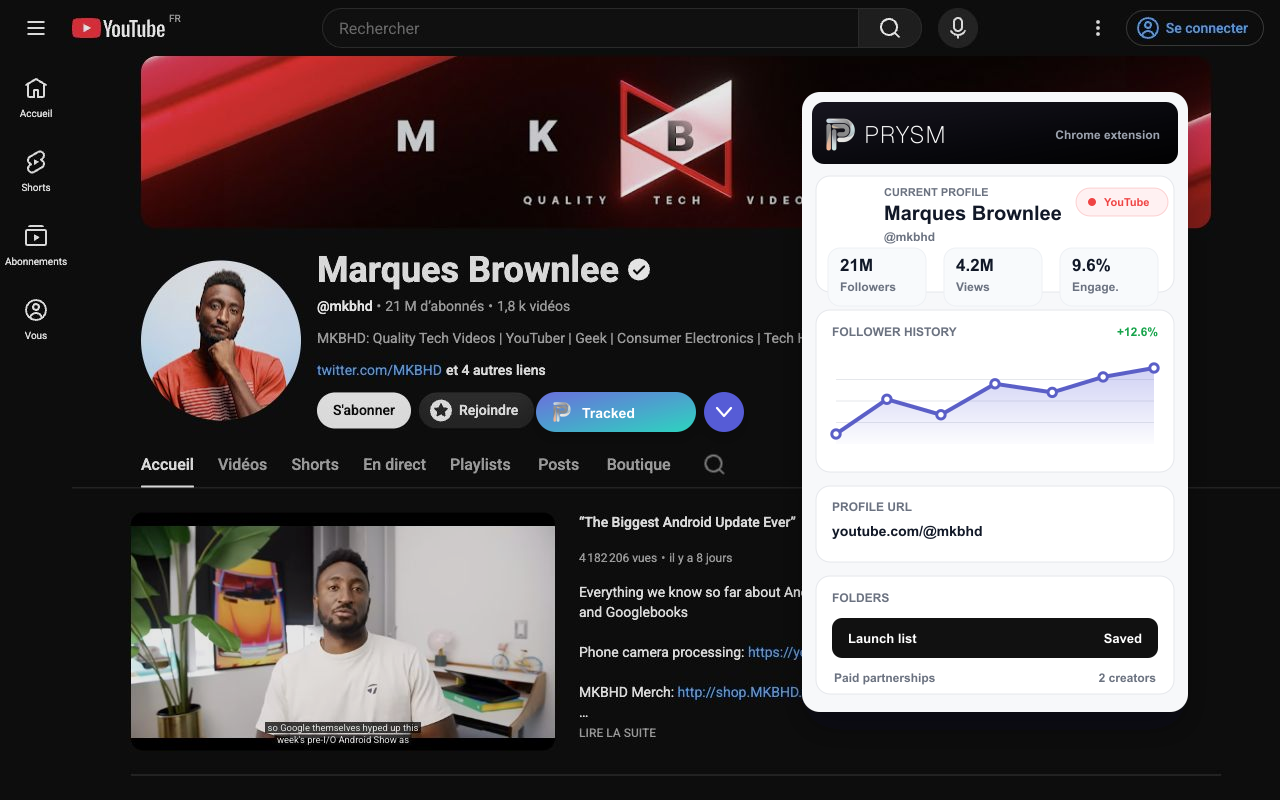
Track the creator, save the content, and choose the right Prysm folder.
Creators, posts, thumbnails, source URLs, and metrics land in your workspace.
What it captures
Everything you need to know before installing the Prysm extension.
The Prysm extension runs on Chrome and Chromium-based browsers like Brave, Edge, and Arc. Install it once and it stays available while you browse social platforms.
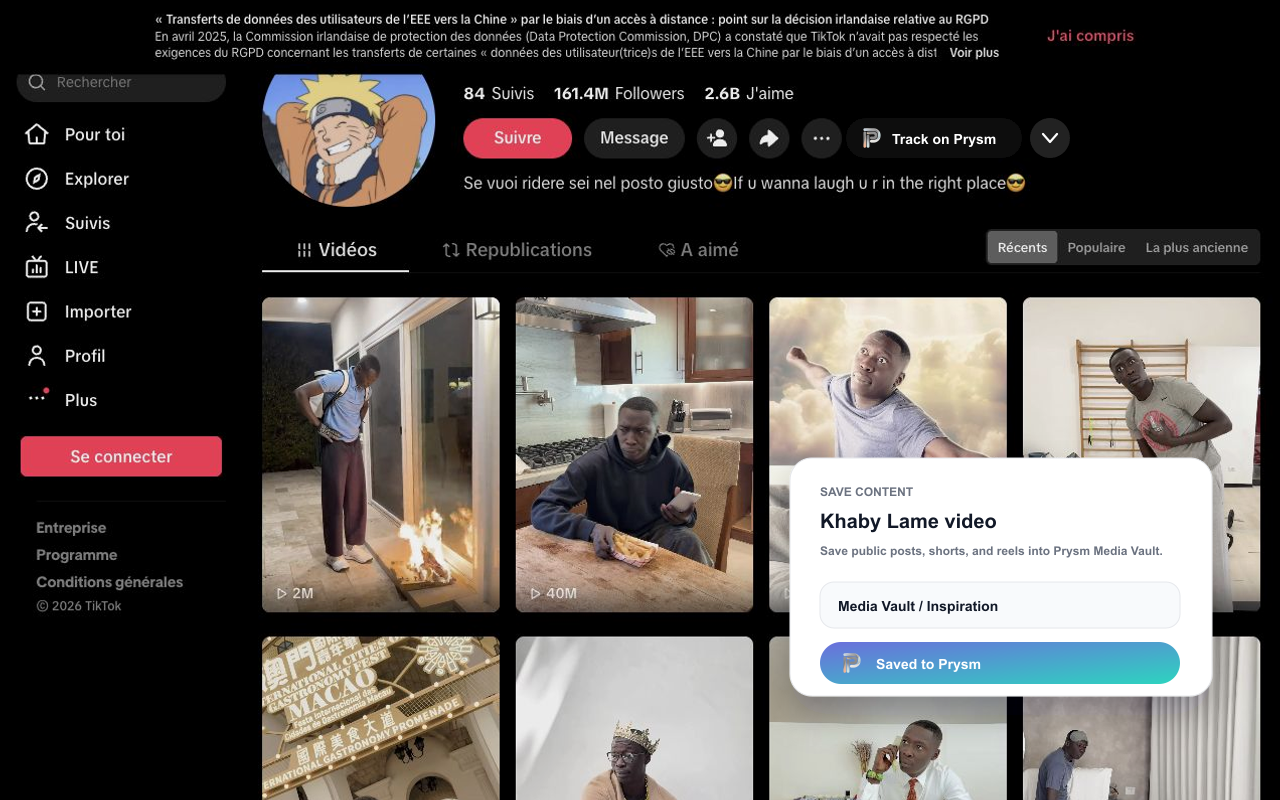
You can save public creator profiles, posts, Reels, Shorts, and videos from TikTok, Instagram, and YouTube directly while browsing.
Yes. The extension connects to your Prysm workspace so everything you save lands in your folders and Media Vault. Creating a workspace is free to get started.
Creators, posts, thumbnails, source URLs, and performance context are sent straight into your Prysm workspace, and you can pick the destination folder while saving.
Installing the extension is free. It works with your Prysm plan, so your saving limits and team features follow whatever workspace plan you are on.
Install the extension, connect your Prysm workspace, and start saving creator profiles and content references into organized folders.